Every formula you mix, saved and ready to reuse.
Products, ratios, weights, and cost are written down the moment you mix. Find any formula again in seconds and use it on the next client.
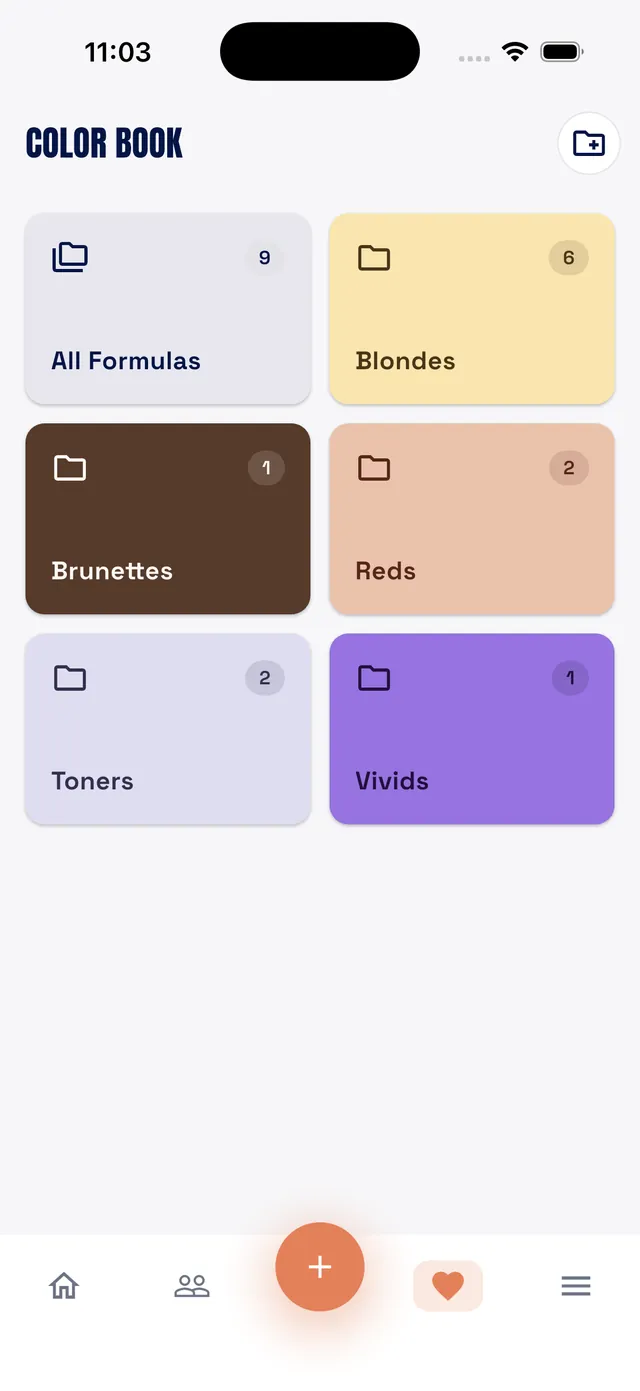
Formulas in your color book
35 saved
Products, ratios, weights, and cost are written down the moment you mix. Find any formula again in seconds and use it on the next client.
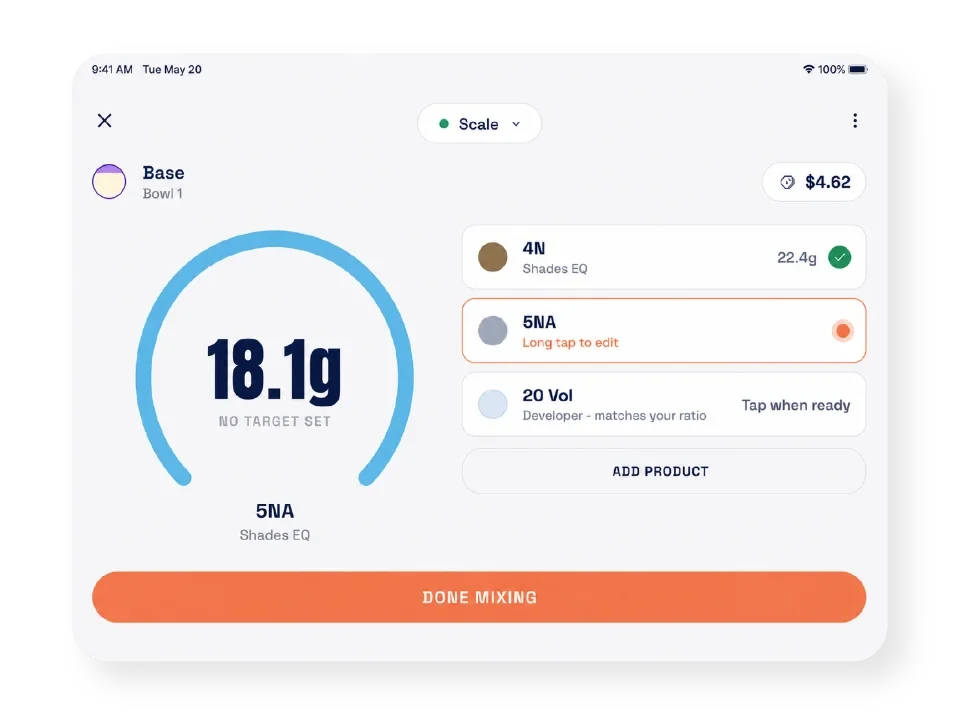
You mix the way you always have. SalonScale records each product and weight as it lands, so the formula is written by the time the bowl is done.
Nothing to type up later, and nothing lost when the day gets busy.
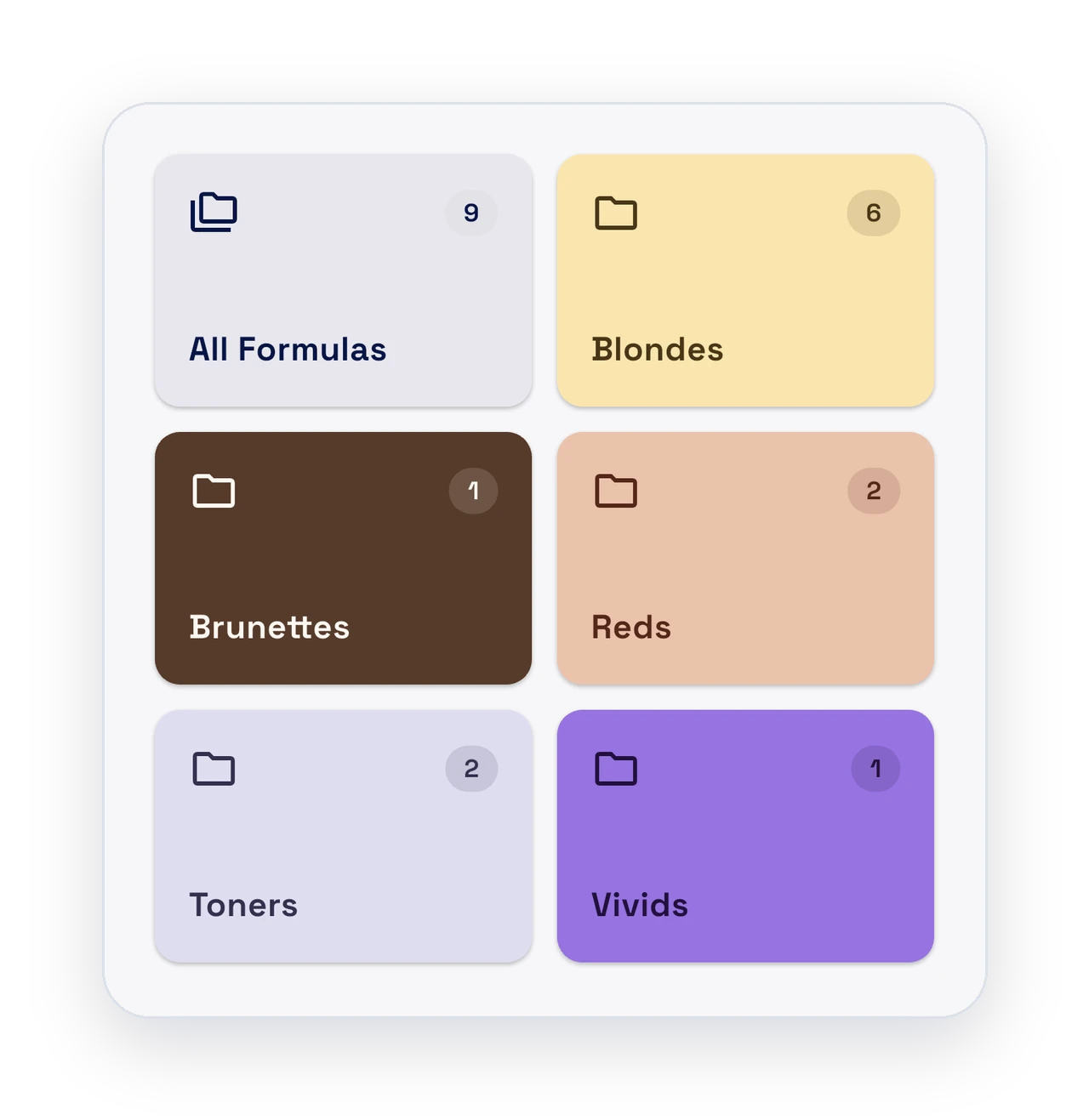
Group formulas into folders that match how you think, like blondes, brunettes, reds, vivids, and toners. Then search or filter to find the one you need.
Search by name to pull up any formula in seconds.
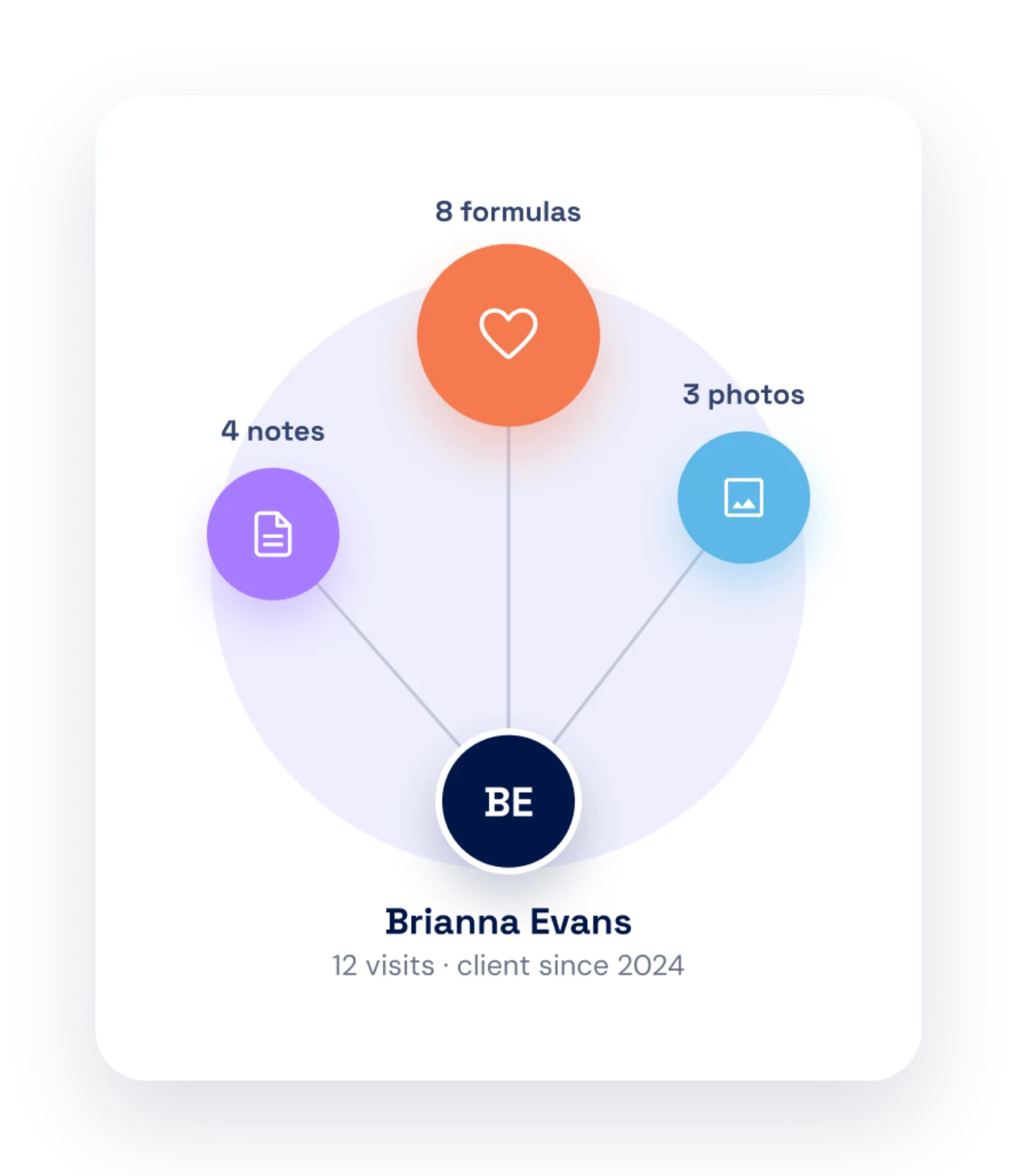
Each formula carries what it is made of, what it cost, how many clients have worn it, and when it was last used.
Adjust it for the client in front of you and the new version saves alongside the original.
Yes. Rename it, change products, adjust weights, or add a note at any time. Editing a saved formula does not change the appointments you already closed.
The formula keeps its products and ratios; the cost is recalculated from your current prices. Past appointments keep the cost they were priced at.
Yes. Build folders that match how you work, like blondes, brunettes, reds, vivids, and toners. Then search or filter to find the formula you need.
Salon formulas are shared with the team, and each stylist also keeps their own.
Yes. Add them manually as you go, or send your list to onboarding and we will help you get the core ones in before you start.
A few more features worth a look.
Run a color service start to finish and know the product cost before the client pays.
Weigh the leftover in the bowl and see what overmixing actually costs you.
Color lines, products, stylists, and services, all in one set of reports.
Book a demo and see your color book in action.