Know what is on the shelf without counting it.
Every gram you weigh comes out of stock. Your backbar count is current at the end of the day instead of the end of the quarter.
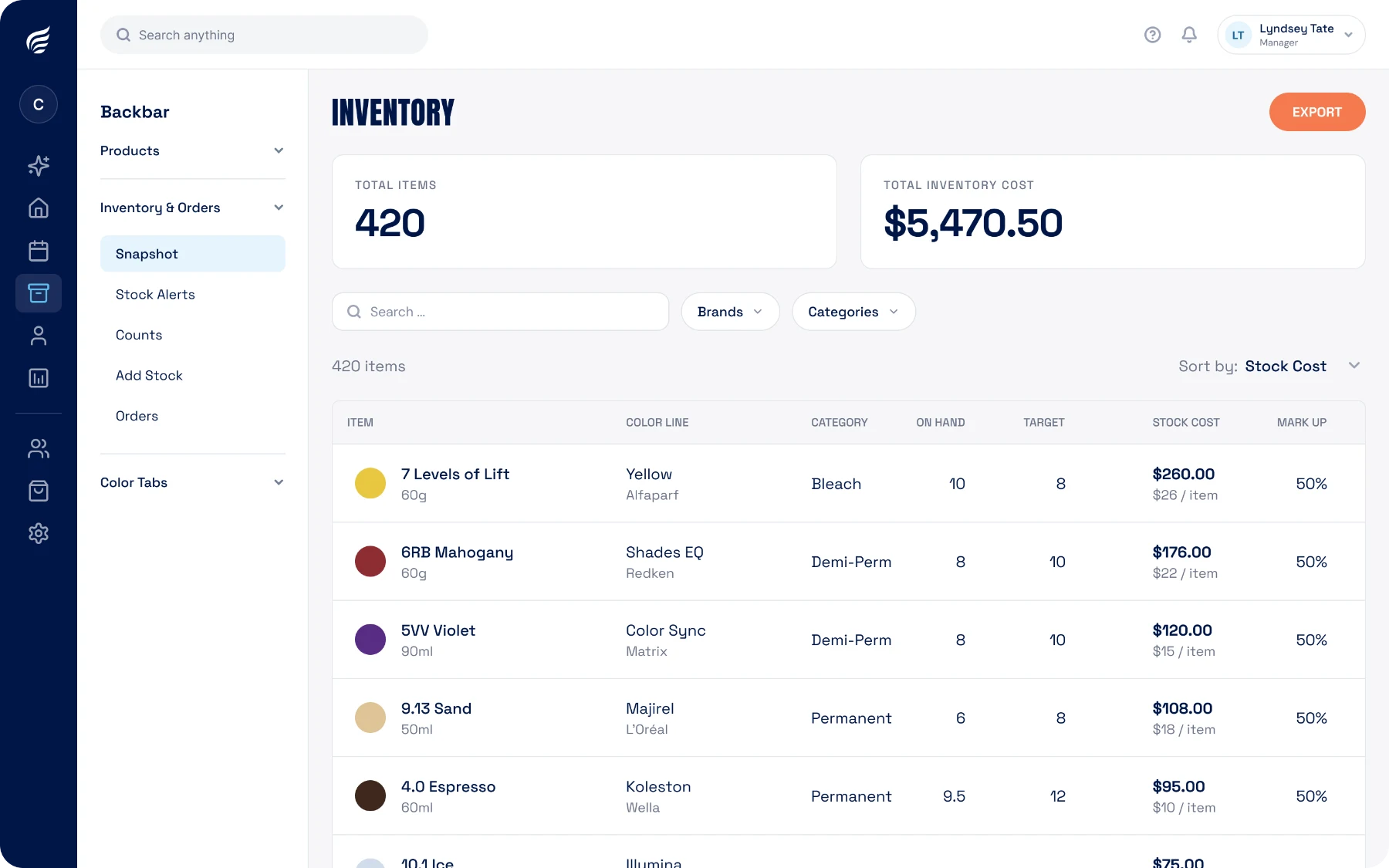
Products low right now
7 to reorder
Every gram you weigh comes out of stock. Your backbar count is current at the end of the day instead of the end of the quarter.
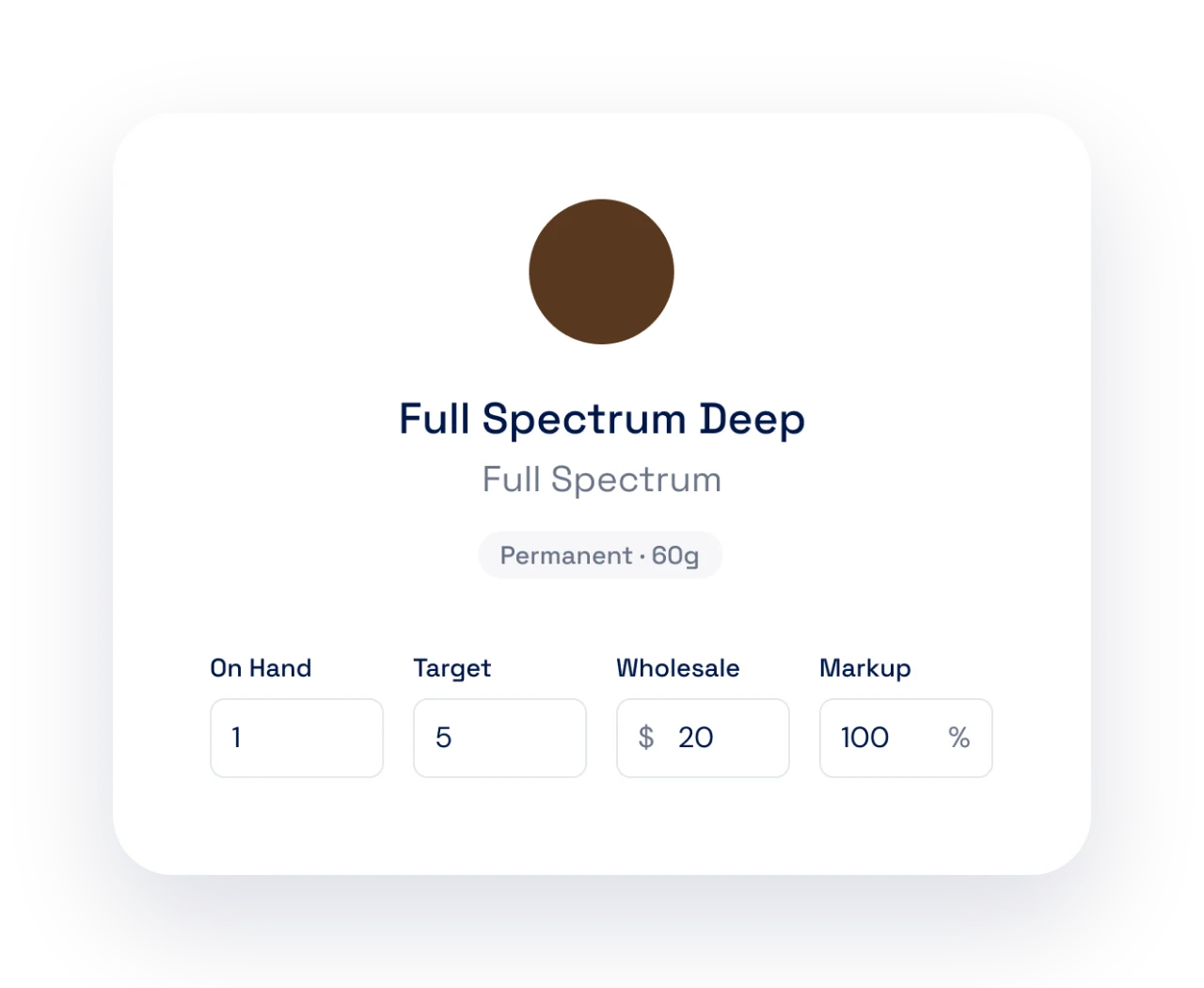
Add the products you keep on the backbar with what you pay for them, and enter a starting count. Onboarding can bulk-load a full color line so you are not typing shades one at a time.
Set a reorder point while you are there and the shelf starts managing itself.
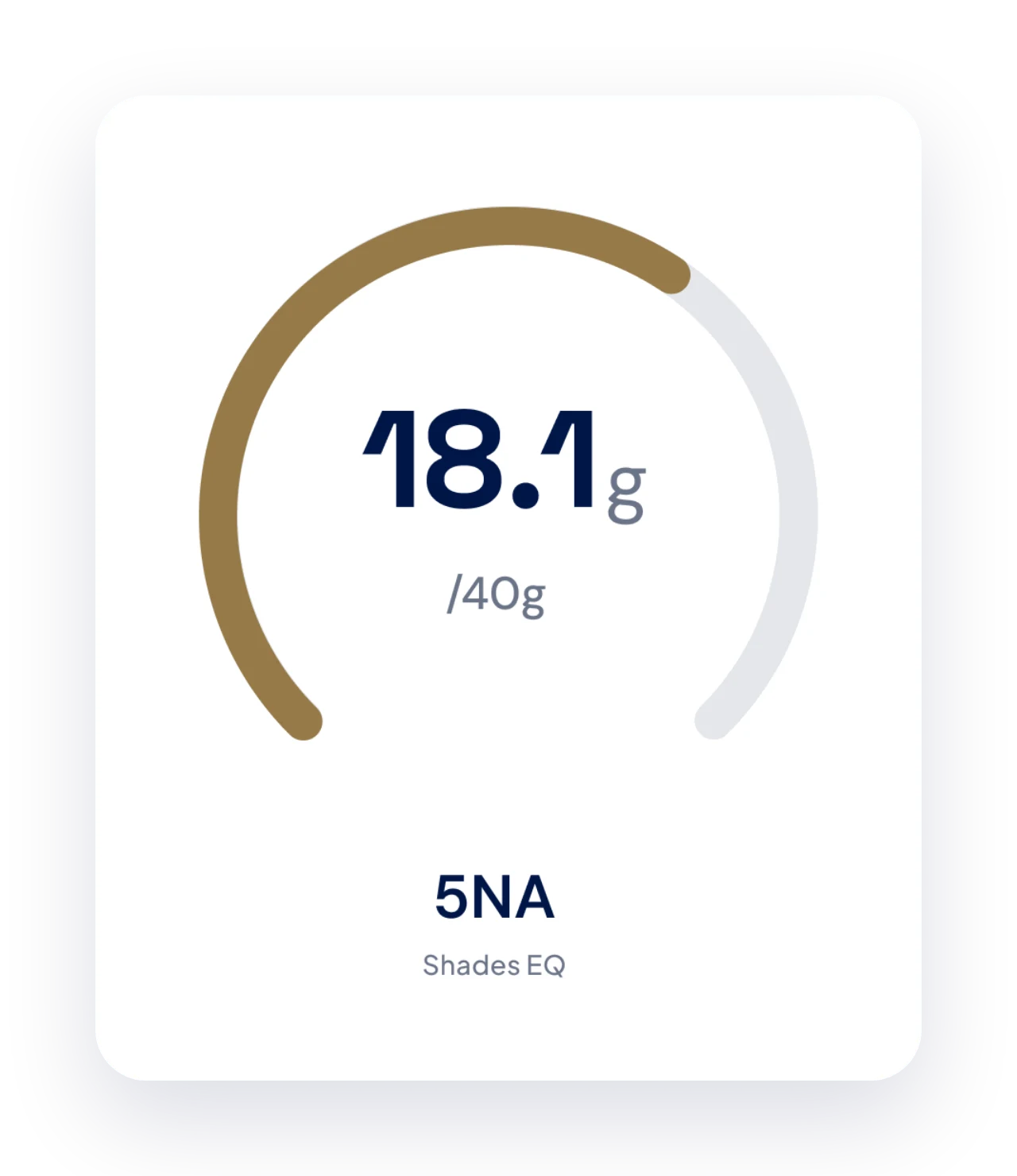
Weighing a product is the same action as logging it out of inventory. Nobody writes anything on a clipboard, and the count does not drift between orders.
Waste comes out of stock too, so what the app says is on the shelf is what is actually there.
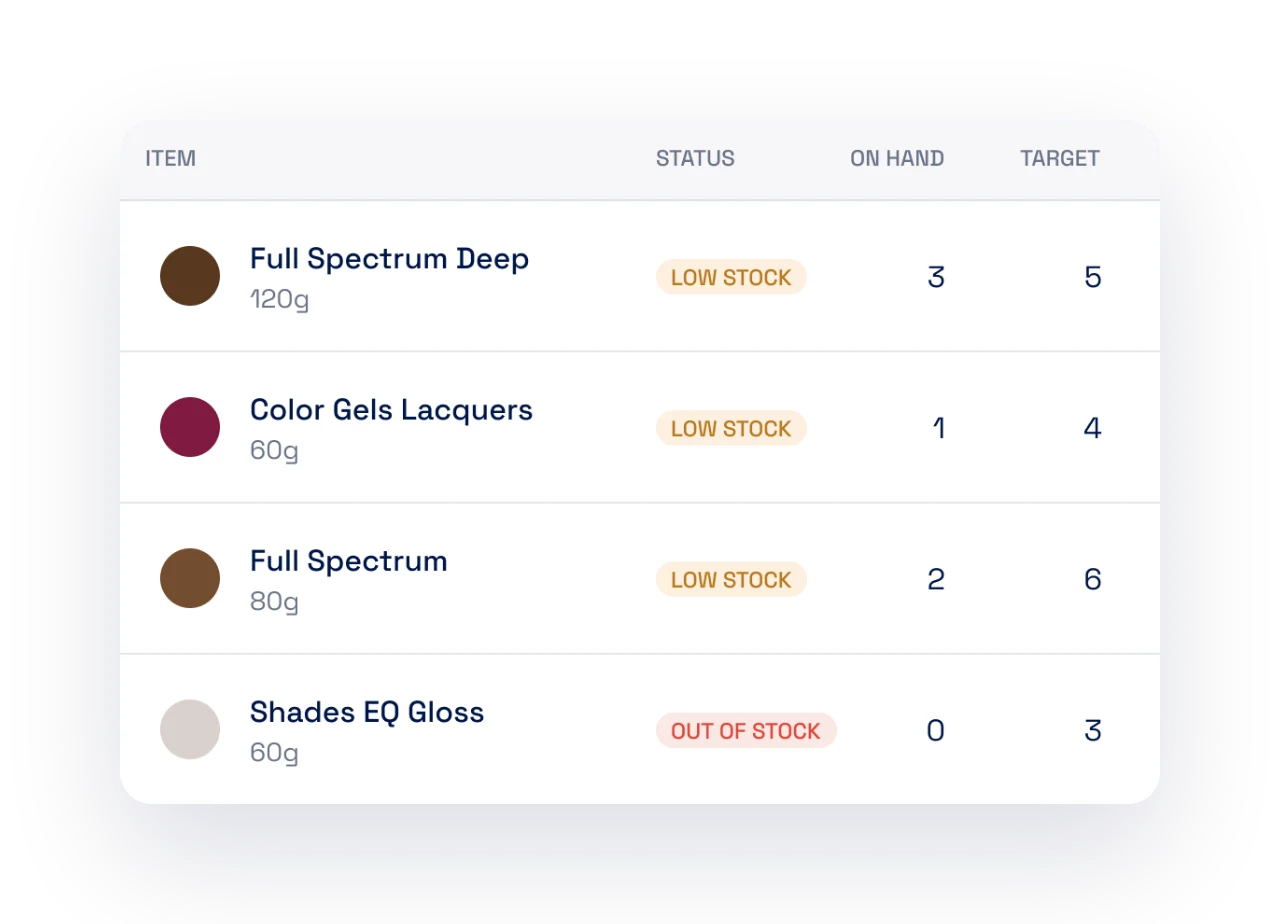
SalonScale flags a product when it gets close to the reorder point you set. No more finding out mid-service that the 9V is gone.
Filter by line or shade family to see the whole picture before you place an order.
No, and we recommend you don’t. Hold off on inventory until your whole team is consistently recording every bit of product they use, which usually takes at least 30 days. Once that routine is solid, do your counts and set up inventory and quick ordering.
Count by weight or by portion of a tube. SalonScale tracks stock in grams, so a half-used tube is half a tube, not a whole one.
Yes. Anything mixed leaves stock whether it went on the head or in the bin, so the count matches the shelf.
Set a reorder point per product and low items are flagged for you. The list becomes your order.
Yes. Each location keeps its own stock and reorder points, and owners can see them side by side.
A few more features worth a look.
Book a demo and see it against your own shelf.