Your color cost, ready for thefront desk.
Connect SalonScale to Square, Meevo, or Phorest and every closed appointment sends its color cost over to the client’s booking in your POS, ready for the desk to add to the ticket.



Connect SalonScale to Square, Meevo, or Phorest and every closed appointment sends its color cost over to the client’s booking in your POS, ready for the desk to add to the ticket.
Once connected, your day’s appointments show up in SalonScale on their own. Open the client, mix, and the cost is recorded against that appointment, then sent back to your POS. Nothing changes about how you book or run your reports.
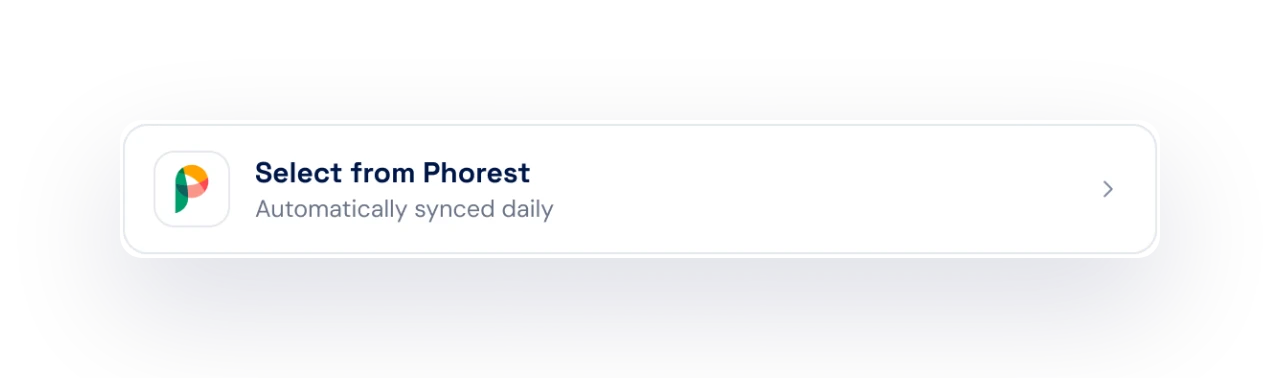
Close the appointment in SalonScale and the color cost is written to the client’s appointment in your POS. Whoever checks them out adds it to the ticket without hunting for the number.
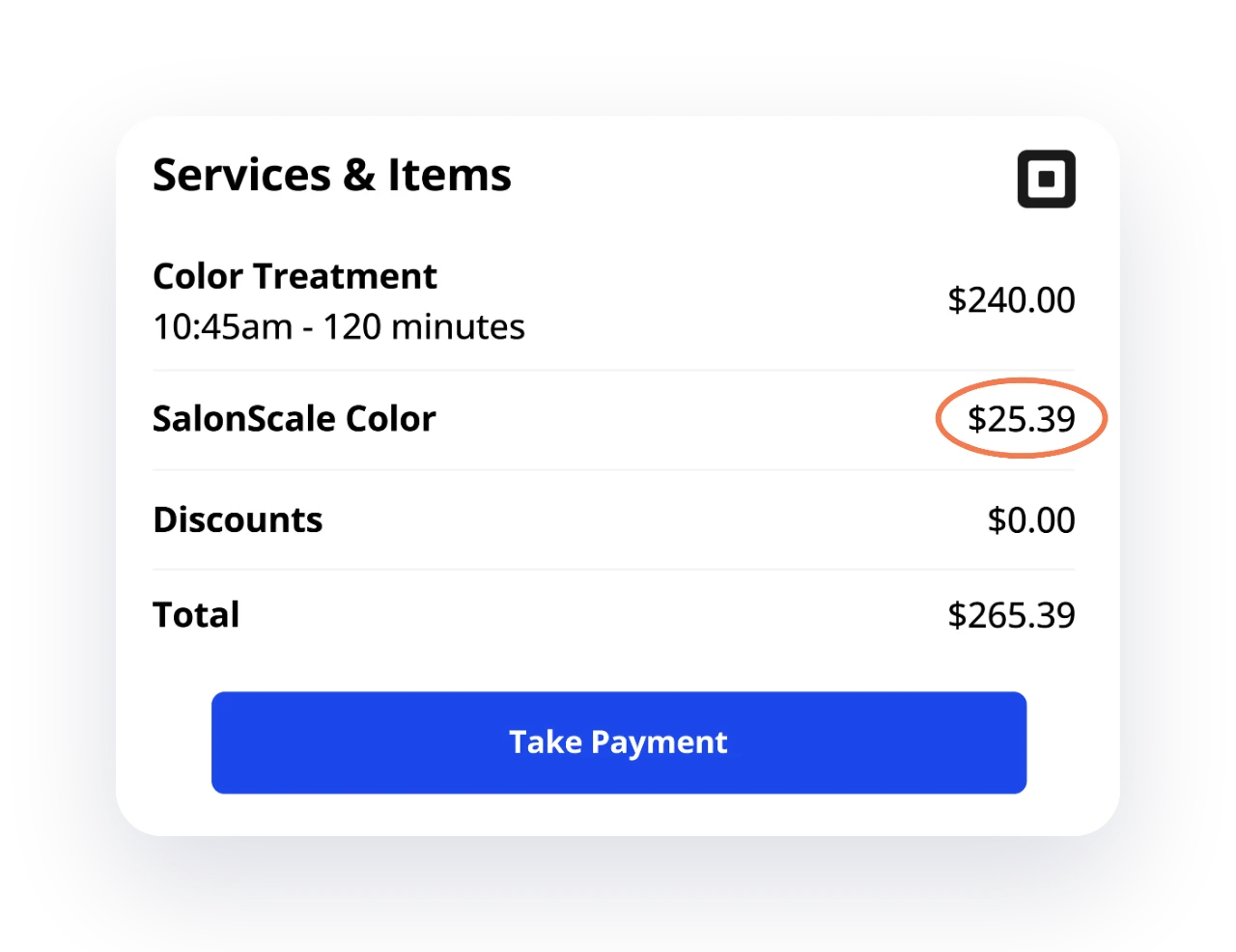
If your POS is not supported with us yet, the closed appointment still shows one number. Add it to the ticket as a color cost. It takes a few seconds at the desk.
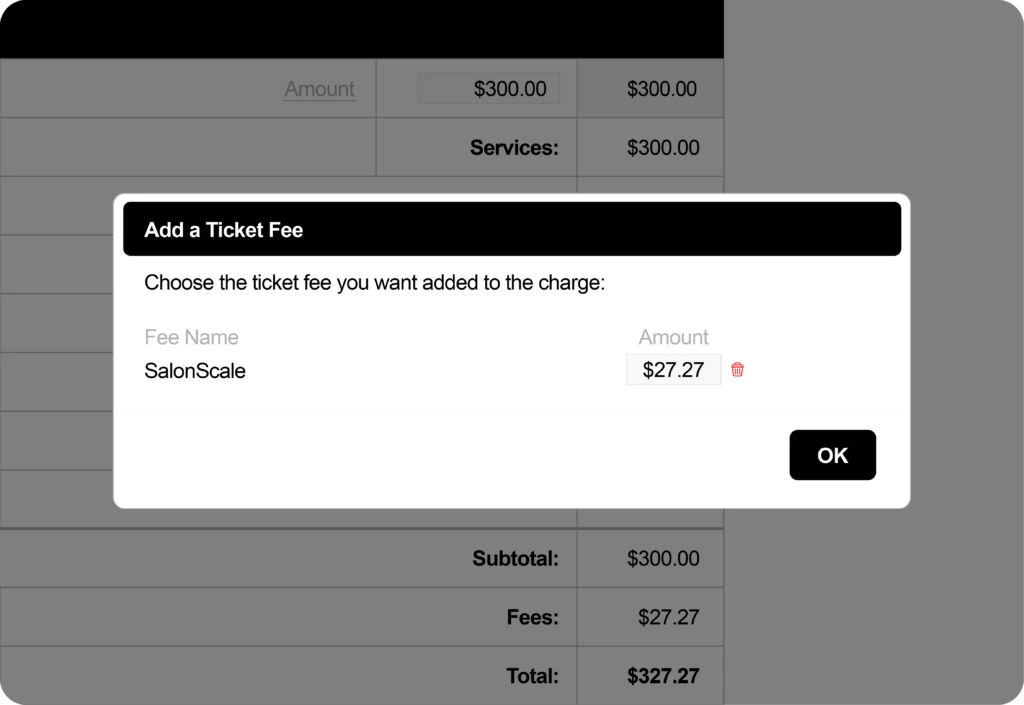
A few minutes. You authorize your POS account from SalonScale, match stylists to their seats, and the next closed appointment sends a charge.
No. Booking, tickets, and reporting stay in your POS exactly as they are. SalonScale only adds a color cost line.
The color cost for the appointment, priced by the rule you set, along with the formula. Both are added to the client’s appointment notes, so the desk can add the charge to the ticket.
The charge stays on the appointment in SalonScale, so you can add it to the next visit or enter it against the closed ticket in your POS.
Square is included on every plan. Meevo and Phorest are included on Luxe, monthly or annual, and are a paid add-on on Solo, Essentials and Signature.
Integrations need both sides to connect, so the best move is to ask your POS provider to integrate with SalonScale. The more salons that ask, the faster it happens. In the meantime, every closed appointment still gives you one number to add to the ticket at checkout.
A few more features worth a look.
Turn the grams in the bowl into a product charge your client can see.
Weigh as you mix and know the product cost of the service before the client pays.
Color lines, products, stylists, and services, all in one set of reports.
Book a demo and we will show you the connection on your own system.