Charge for the color you actually used.
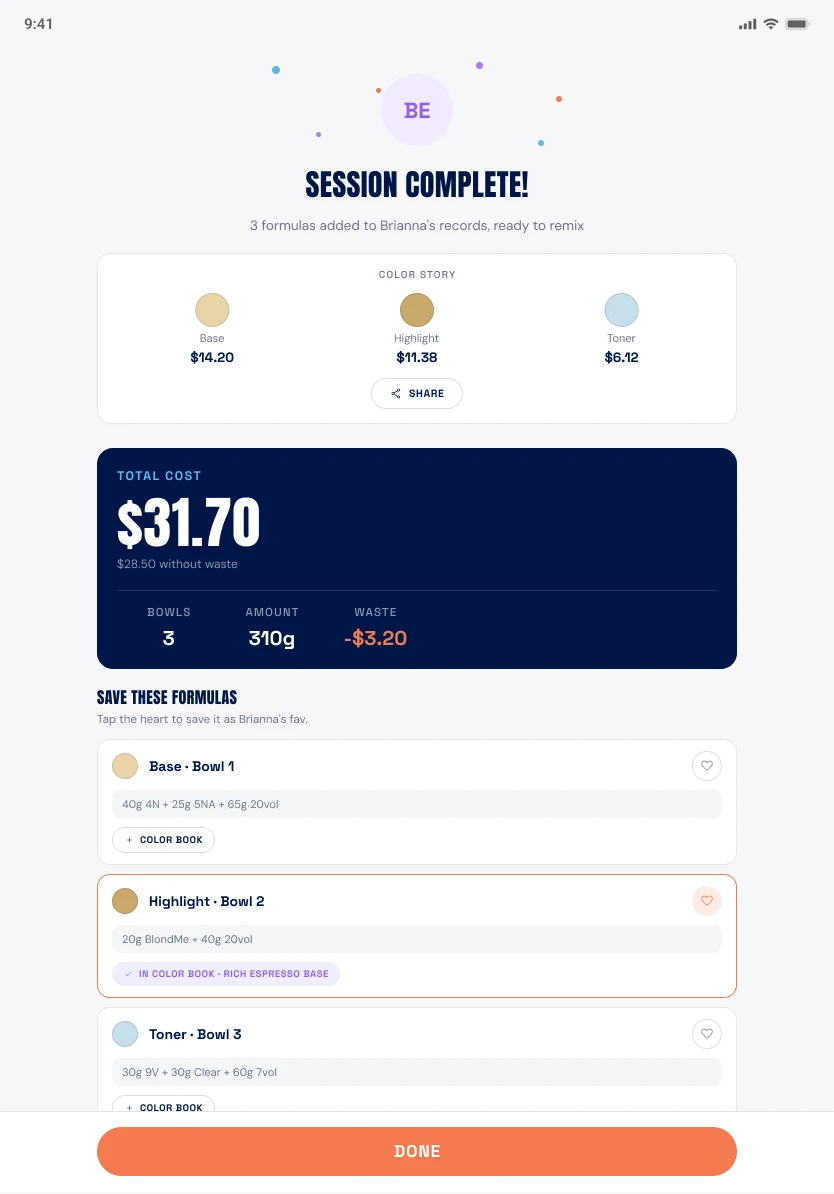
Every bowl closes with one number: what the product cost. Put it on the ticket as its own line and stop absorbing color out of your margin.
Billed to tickets this week
$1,940.75 · 63 services
Every bowl closes with one number: what the product cost. Put it on the ticket as its own line and stop absorbing color out of your margin.
Close the appointment and SalonScale gives you one figure: what that client’s color actually cost. No adding up tubes at the end of the day, no dividing an invoice by however many heads you did.
It is a real number because it is built from the products you paid for and the grams that went on the head. What you do with it at the desk is up to you.
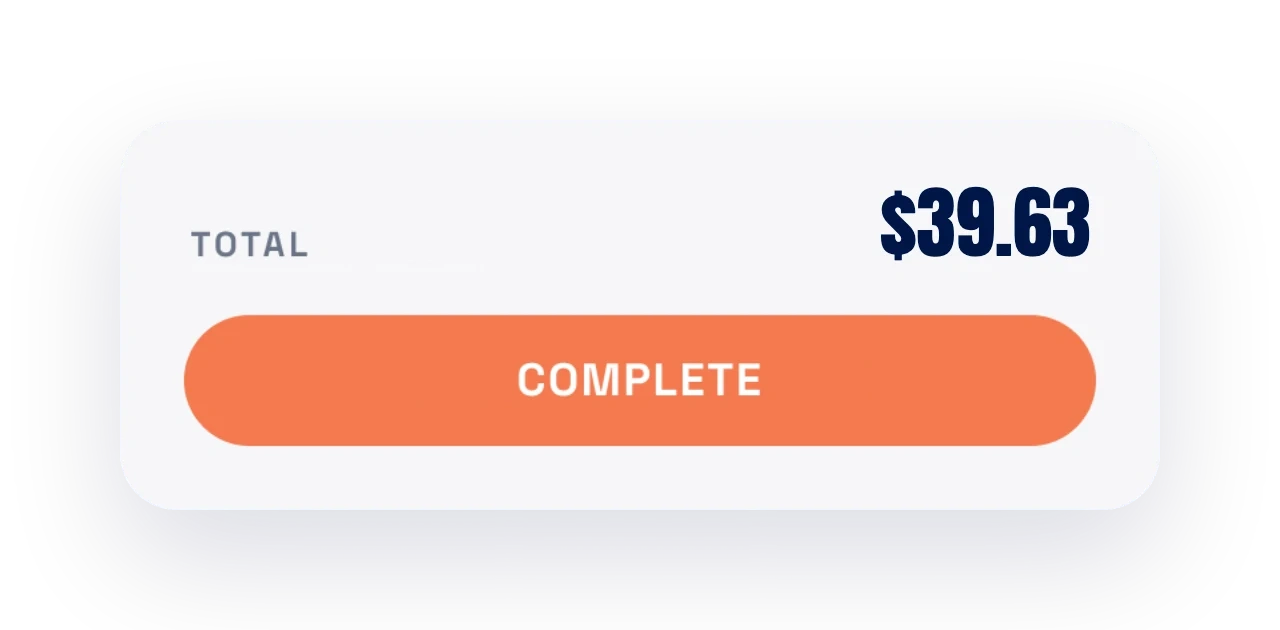
Bill the exact cost, or mark it up by a percentage. Most salons add somewhere between 20 and 100 percent. Set the rule once and it applies automatically to every appointment.
Change your mind later and the new rule applies going forward without touching past appointments.
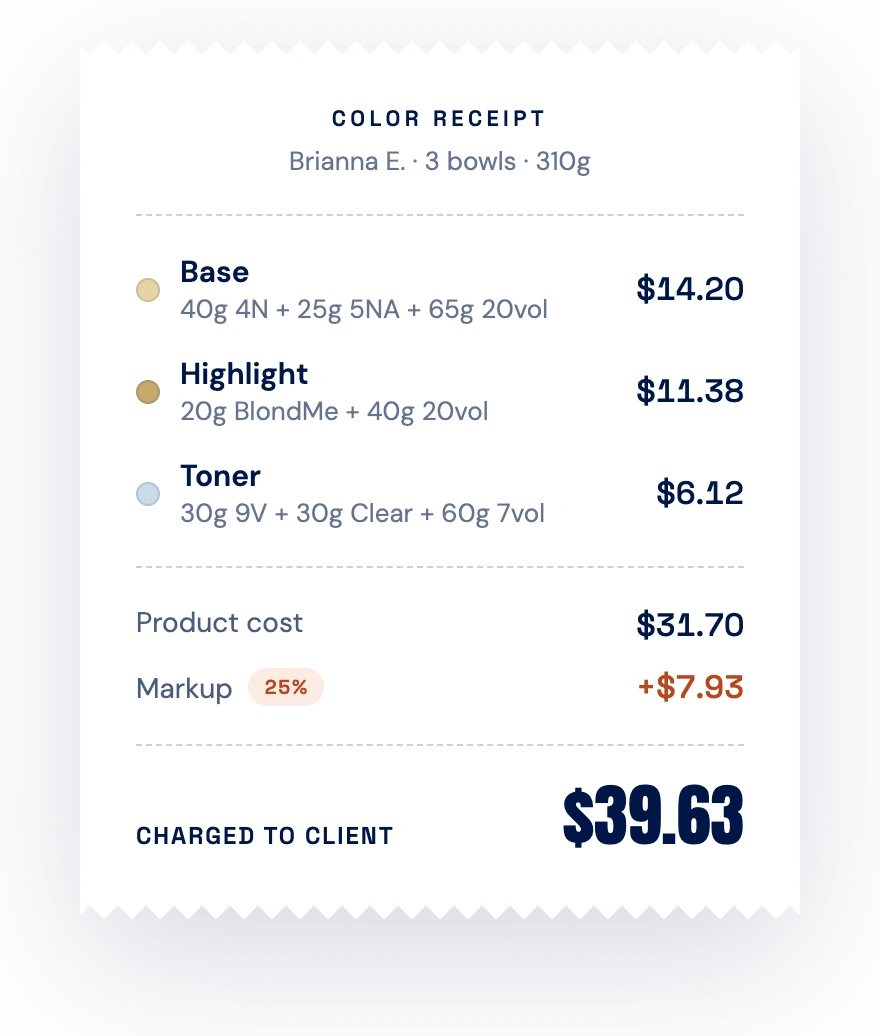
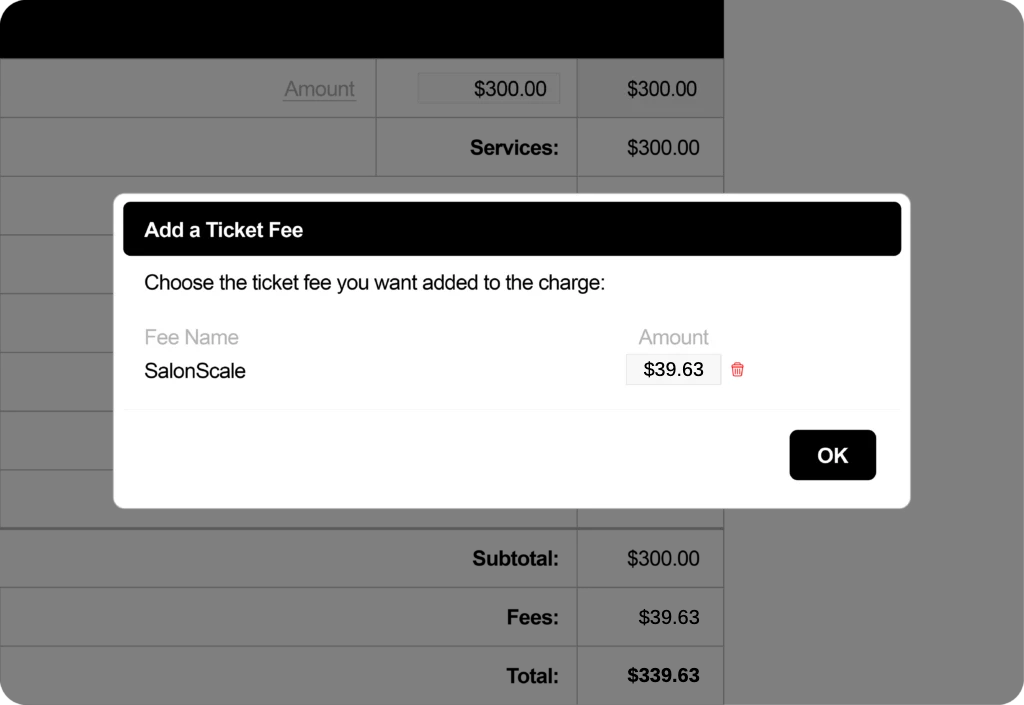
The closed appointment shows one number. Add it to the ticket as a color charge when you check the client out. It takes a few seconds at the desk.
Using one of our POS integration partners? The cost is sent straight to the client’s profile, ready for the desk to add at checkout, so nobody is copying numbers between two screens.
Most salons introduce it as a color charge based on what the service used, so a short root touch-up costs less than a full head of blonde. Clients read that as fair, because it is.
SalonScale sends the color charge to supported POS and booking systems. Where there is no integration, the closed appointment shows one number you add to the ticket.
Yes. Set your markup percentage and it applies automatically to every appointment after you set it.
A 100% markup covers the color you used in the service and gives you the cash flow to place your next order. No more playing catch-up on the backbar. Your color always pays for itself.
Yes, with allotments. Set the amount of color a service includes, and SalonScale only adds a charge when the bowl goes over it.
Square, Meevo, and Phorest. If you use something else, you can still add the color charge to the ticket manually at checkout.
Your front desk still gets everything. Our front desk site shows each appointment the moment it’s completed at the backbar, along with the total color charge, so the desk can add it to the bill without chasing down the stylist.
Only if you want it to. Most owners keep service pricing where it is at first, then adjust once they can see what each service actually costs to deliver.
A few more features worth a look.
Weigh as you mix and know the product cost of the service before the client pays.
Sync appointments with Square, Meevo, or Phorest and send the color cost back for checkout.
Supply color to renters and bill them for exactly what they use.
Book a demo and see it on your own numbers.